
Set a clear baseline
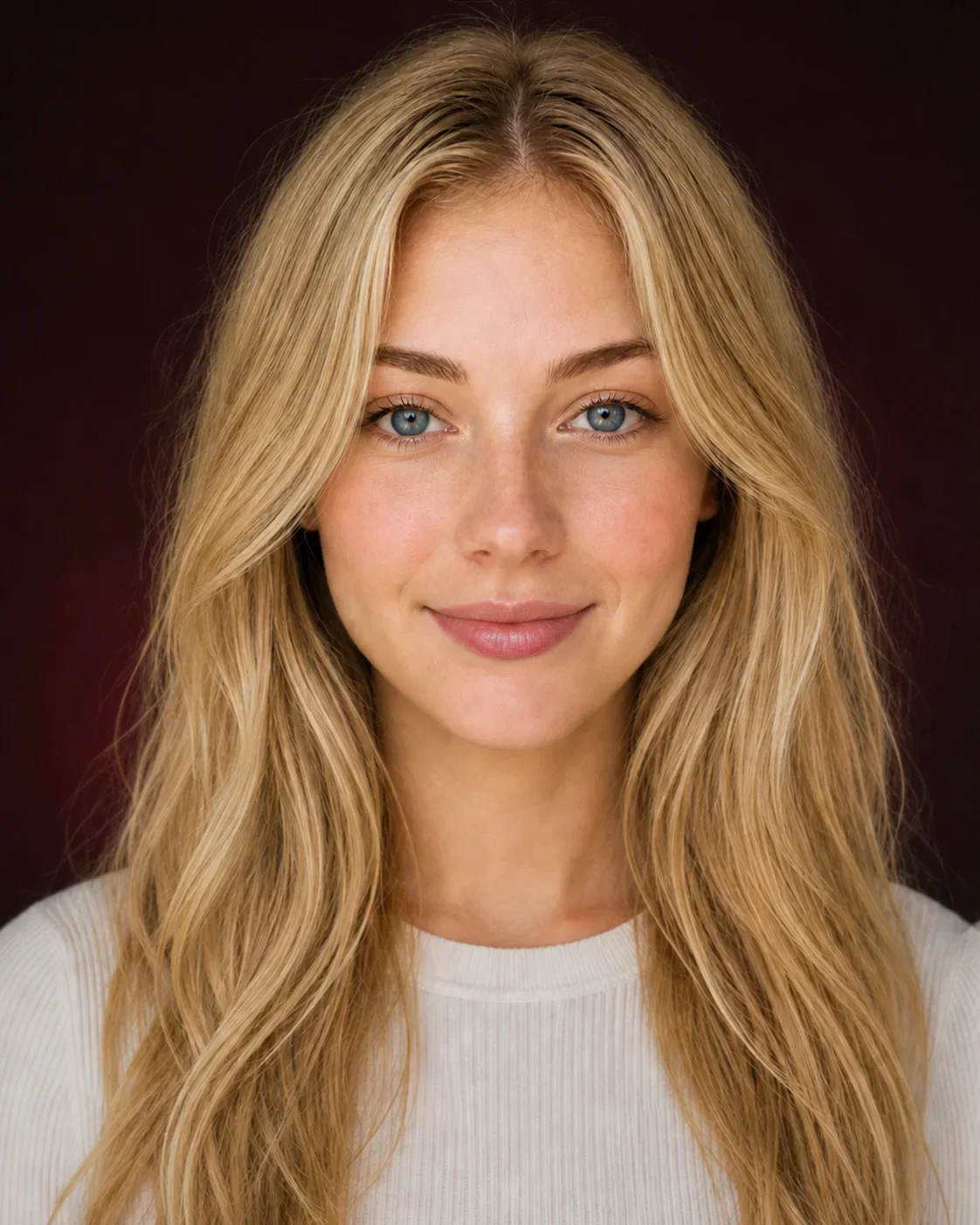
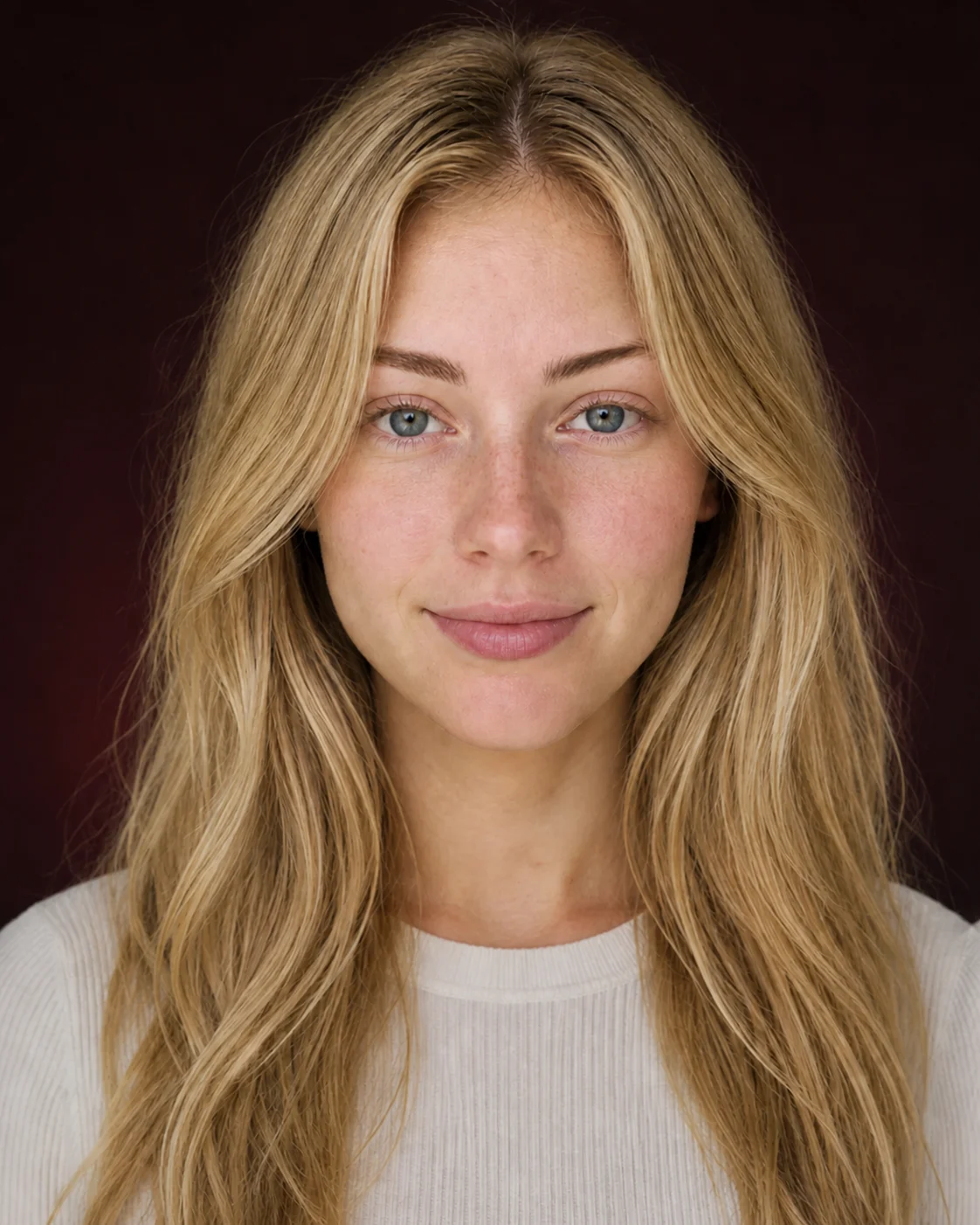
Use one sharp, front-facing portrait in soft neutral light—without processing from a makeup filter app.
AI makeup inspiration · Hair Muse
Explore makeup looks, compare ideas, and find inspiration for your own photo with MaqAI. Try the makeup features in the Hair Muse app and take your favorite direction into your real routine.
Three simple steps
An AI makeup try on is easiest to interpret when it answers one question—lip, liner, blush, complexion, or finish—and tells you what to try next.
Use one sharp, front-facing portrait in soft neutral light—without processing from a makeup filter app.
Choose a full look, test one category, transfer inspiration, or build your own layers.
Compare Before and After, name the useful detail, and save the idea worth testing in real life.
From inspiration to a usable shortlist
Virtual makeup try on lets you test the whole idea on a familiar portrait, identify the feature creating the effect, and carry only the strongest choice into products, practice, or an artist brief.
Move from saved inspiration to a complete direction without committing to the products, technique, or intensity yet.
Separate lip, eye, cheek, complexion, brow, and finish so you can explain exactly why one direction feels stronger.
Swatch the color, practice the placement, test the wear, or give an artist a precise brief with the intended effect and constraints.
Six moods, one familiar face
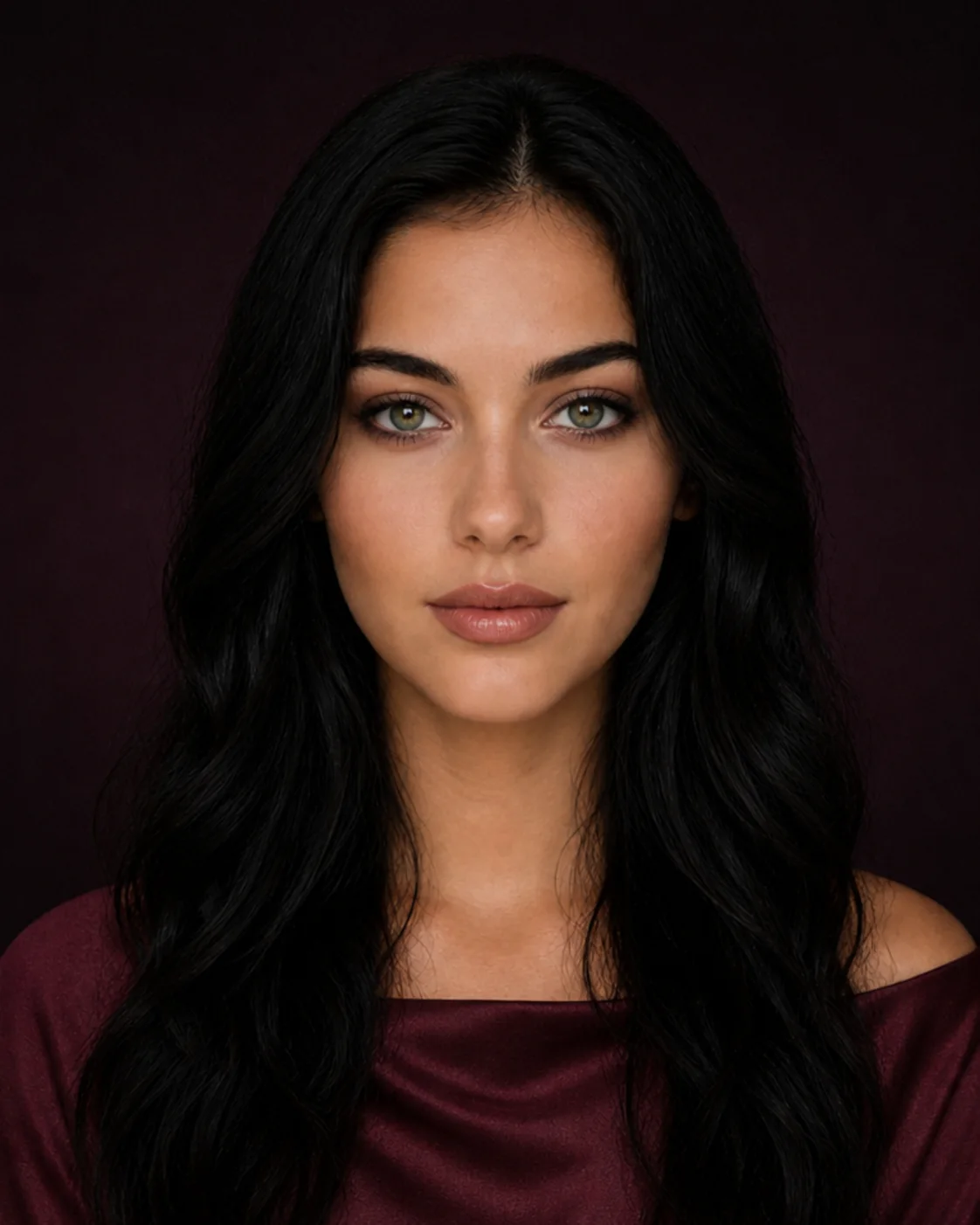
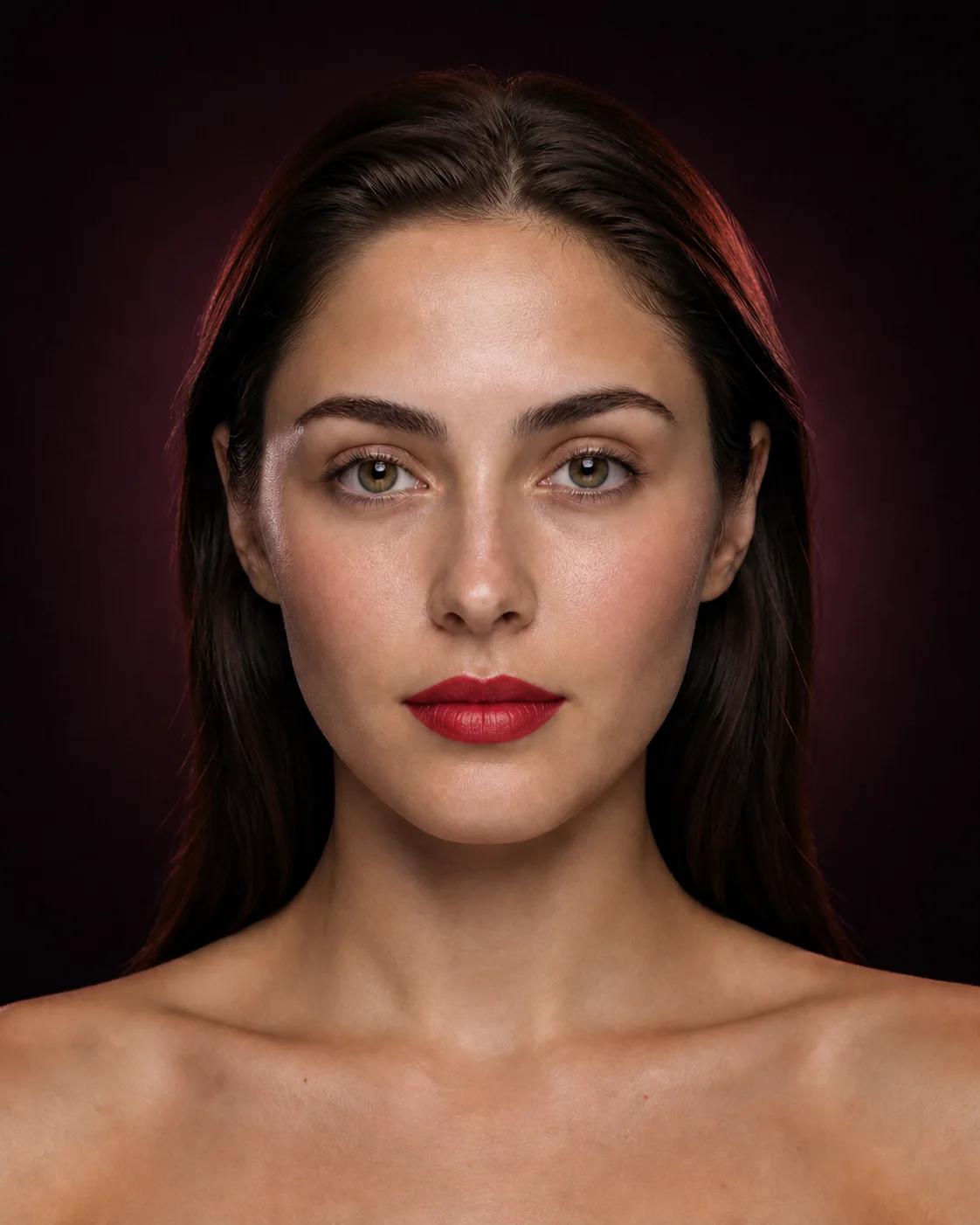
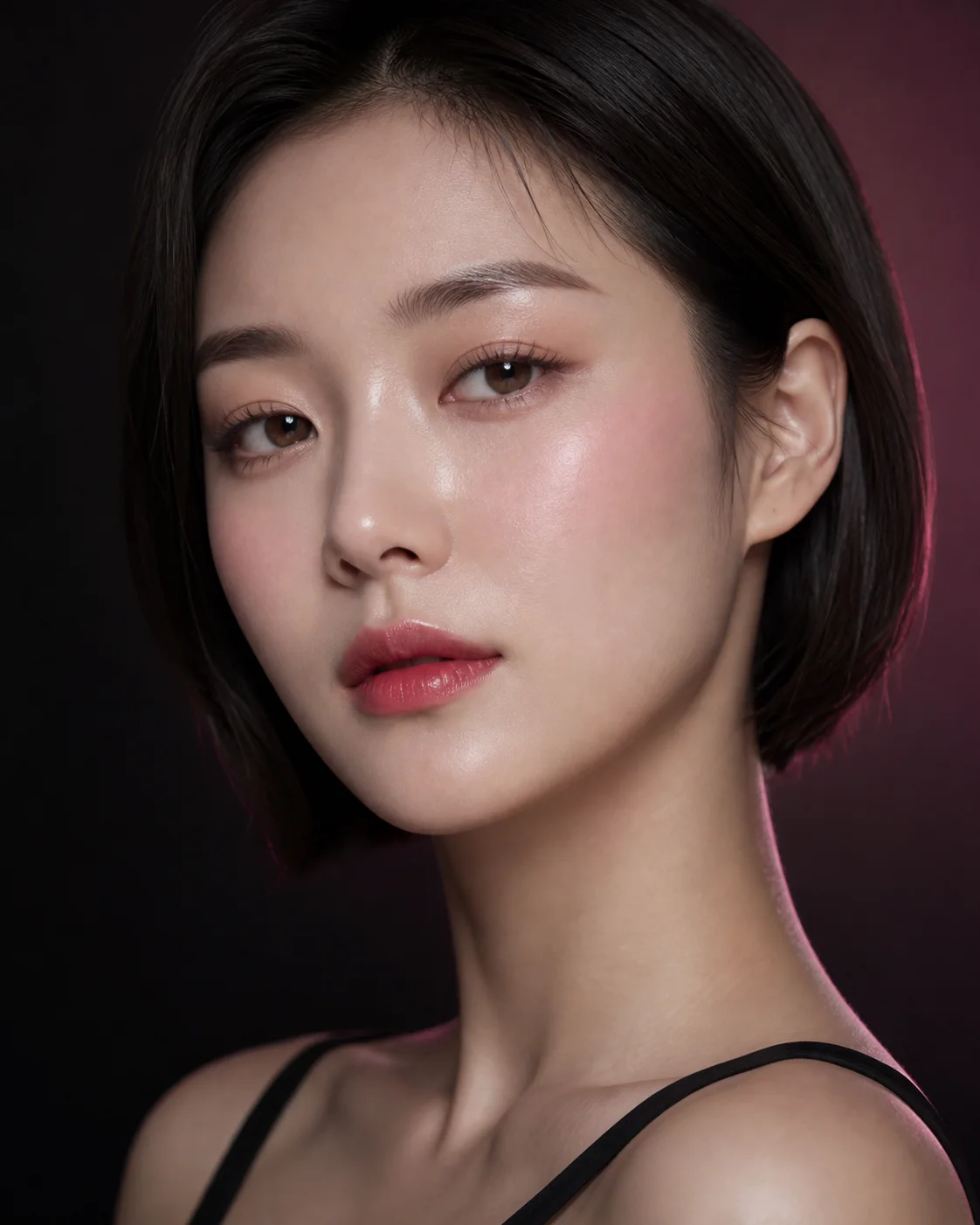
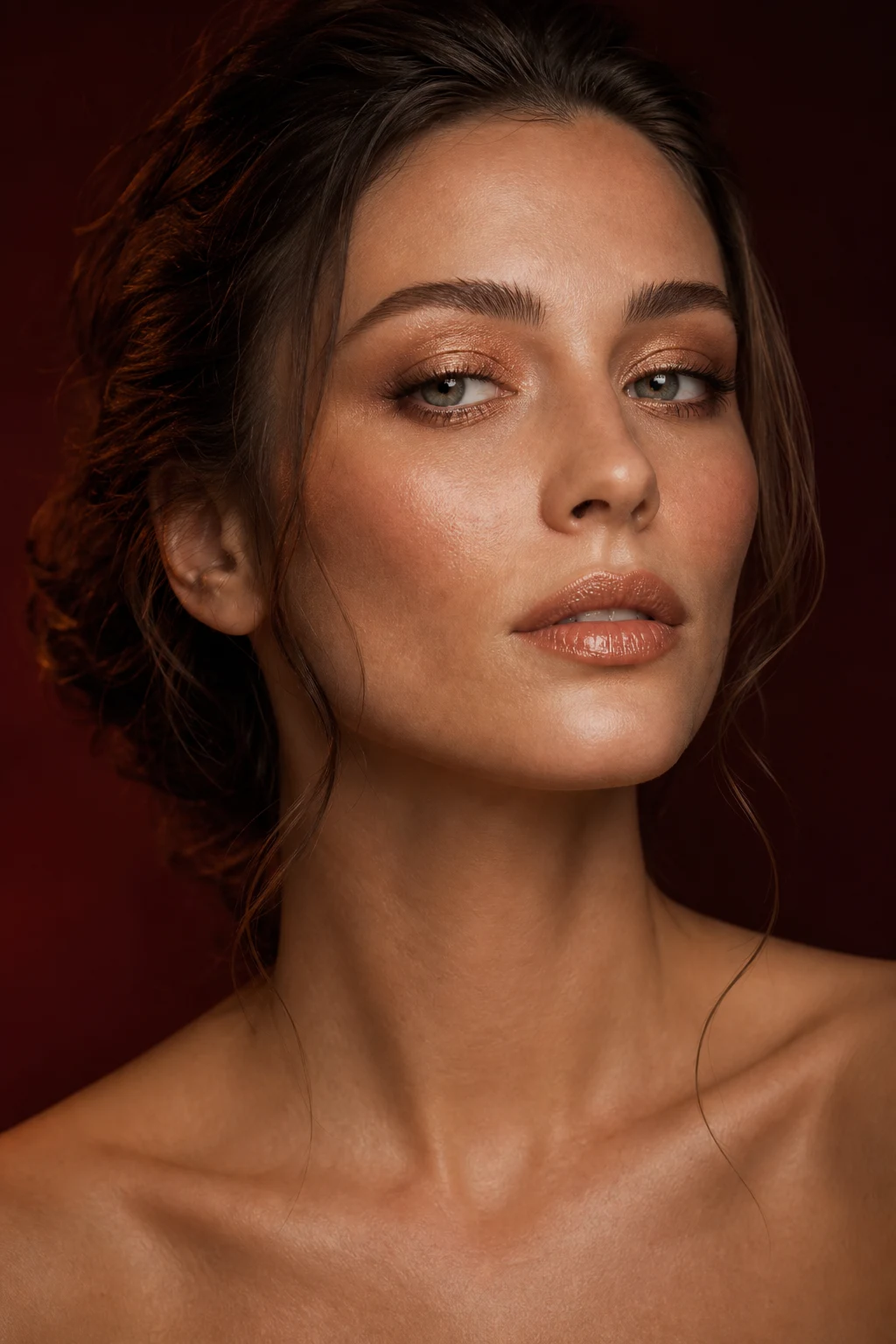
Use the AI makeup generator to move from clean skin and soft glam to a red lip, 90s supermodel glam, glassy rose, or warm bronze. Keep the mood—or borrow only the detail that makes it work.
Change one variable at a time
Virtual makeup try on becomes clearer on a stable portrait. Unlike a makeup filter app used for quick camera play, this comparison separates color and placement from a different pose, crop, or light.
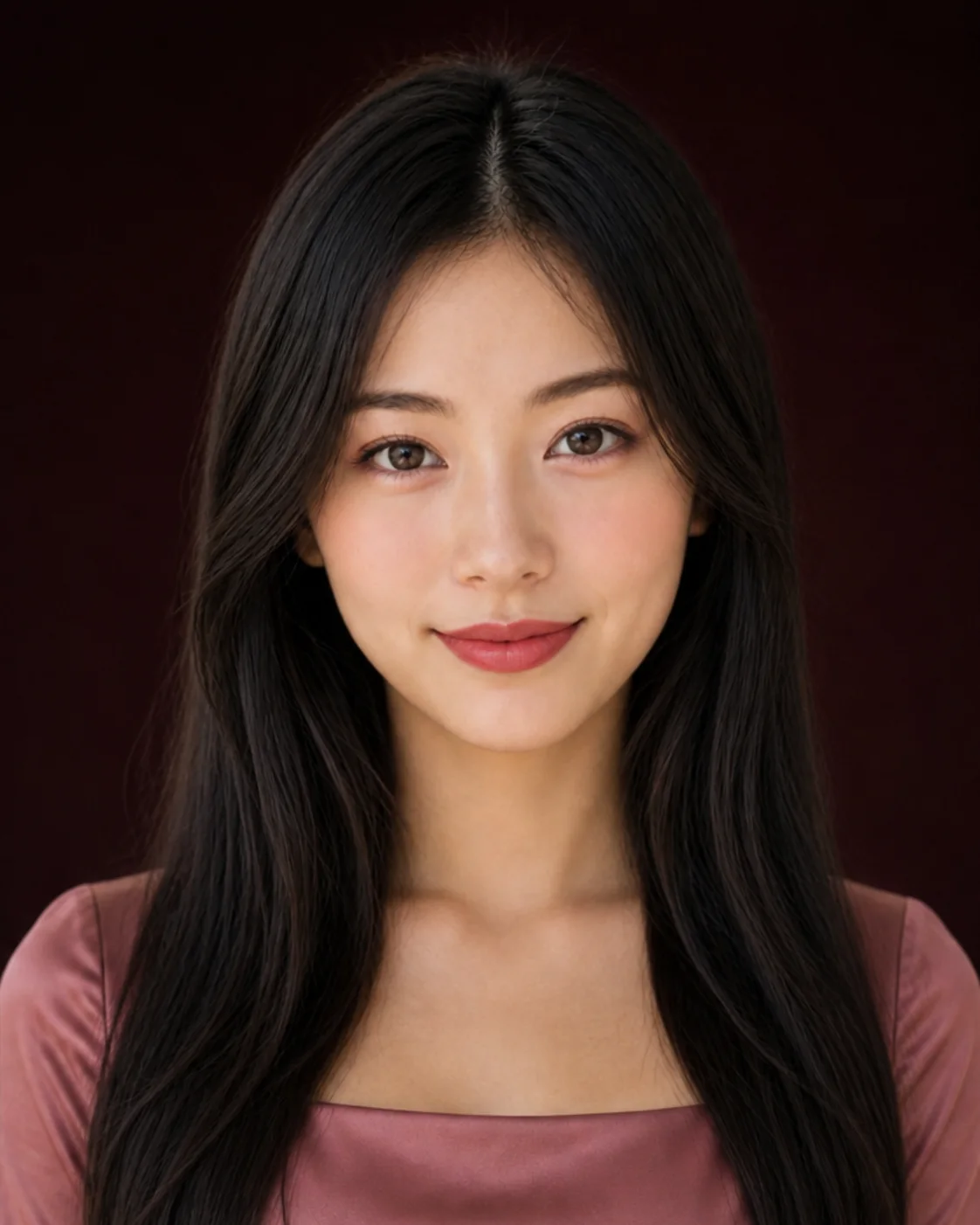
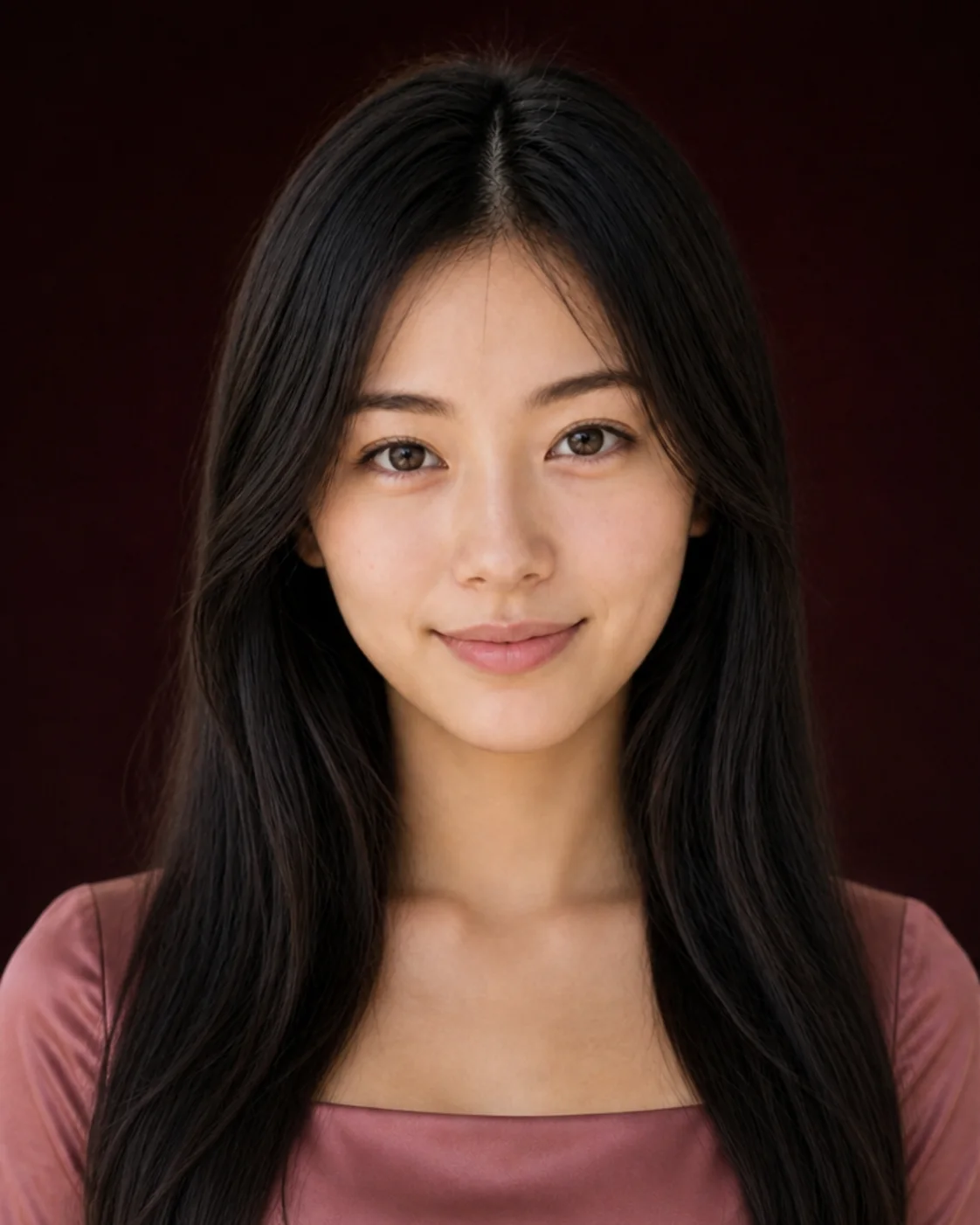
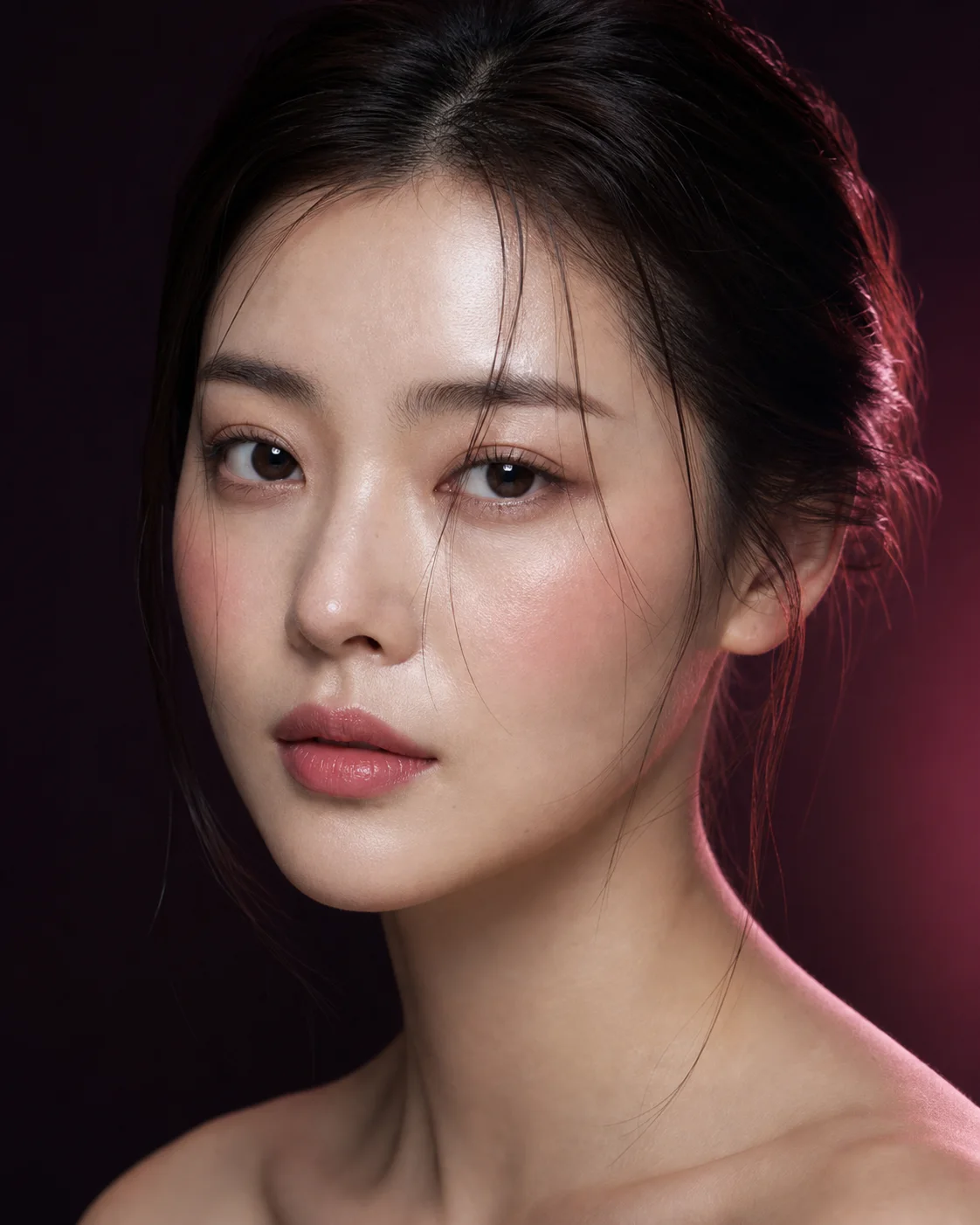
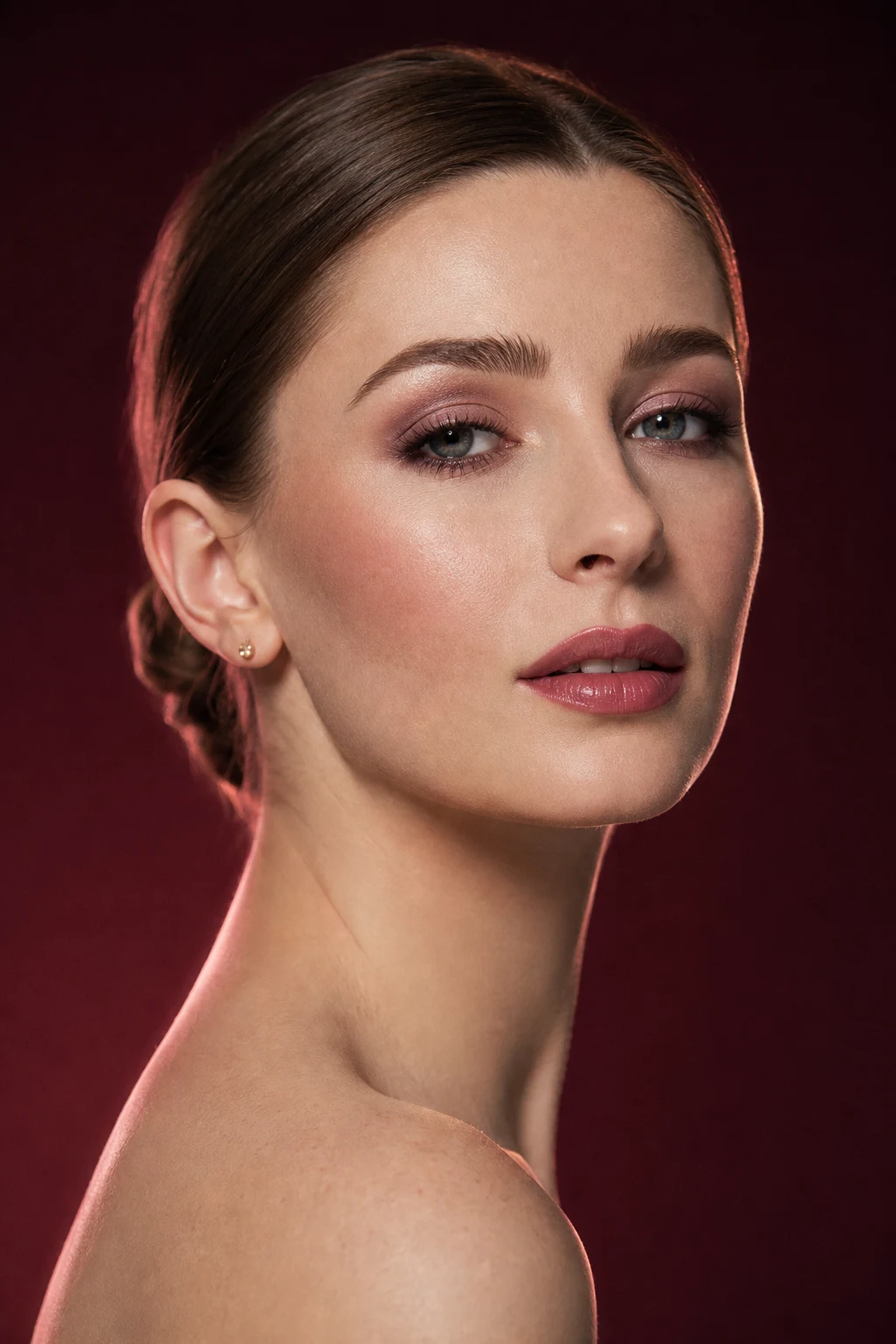
Virtual lipstick try on · same portrait · stronger color and definition
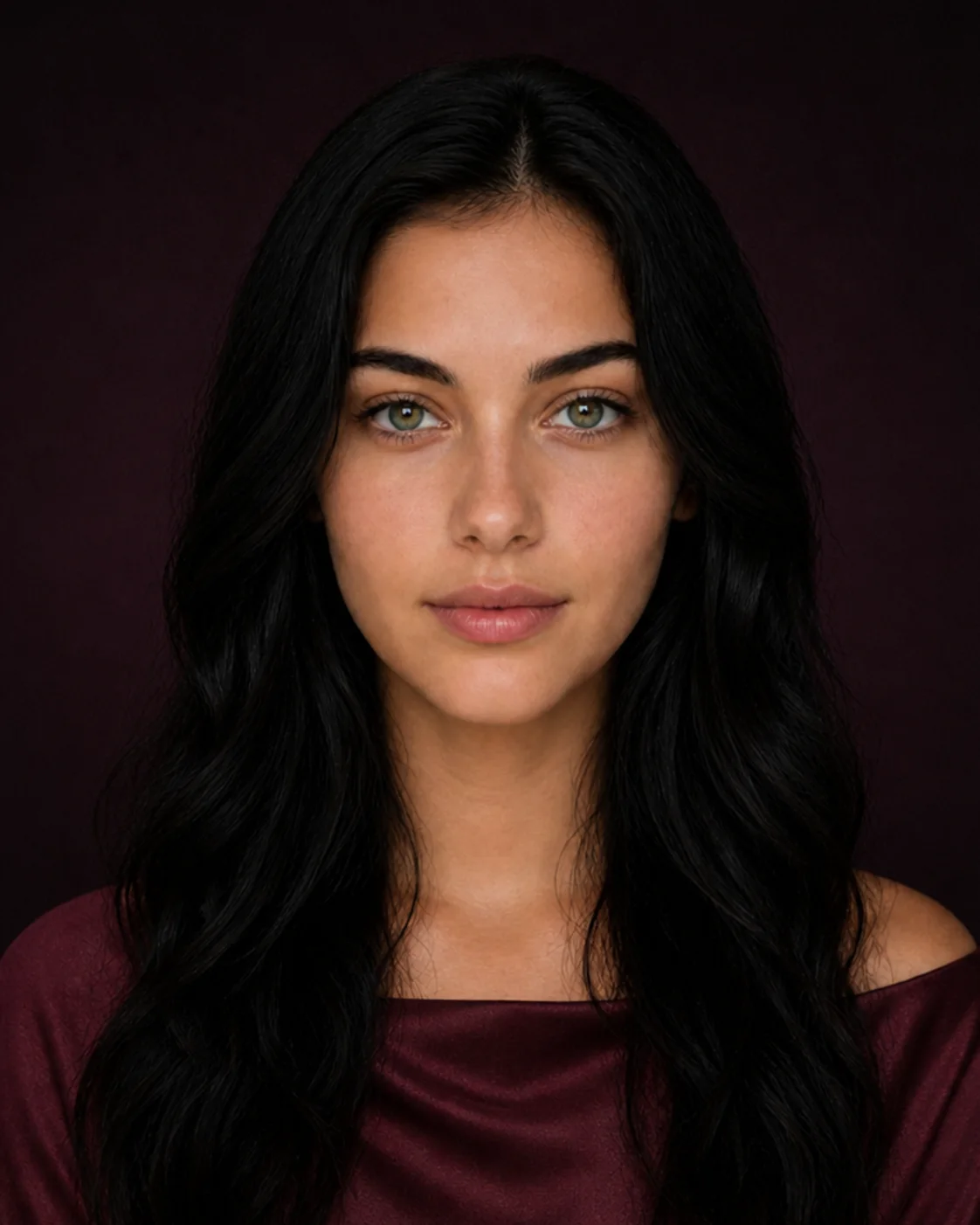
Same portrait · satin skin, sculpted cheeks, elongated eyes, and nude lips
Six useful starting points
A precise question produces a more readable comparison. Pick the path closest to what you need to decide today.
Use virtual lipstick try on to compare color family, depth, edge, and finish on one unchanged portrait.
See how height, direction, and saturation shift the balance of the face.
Test lift, elongation, depth, and focal point before adding more intensity.
Use virtual foundation try on to separate shade, coverage, and finish before swatching real formulas.
Transfer the visual logic of a reference instead of trying to copy a face.
Shortlist a look for the light, dress code, camera, wear time, and touch-ups.
One AI makeup app, four distinct jobs
01Use AI makeup try-on on your own photo, or compare more than 20 virtual makeup categories across lips, eyes, complexion, sculpting, brows, and finish.
Explore feature →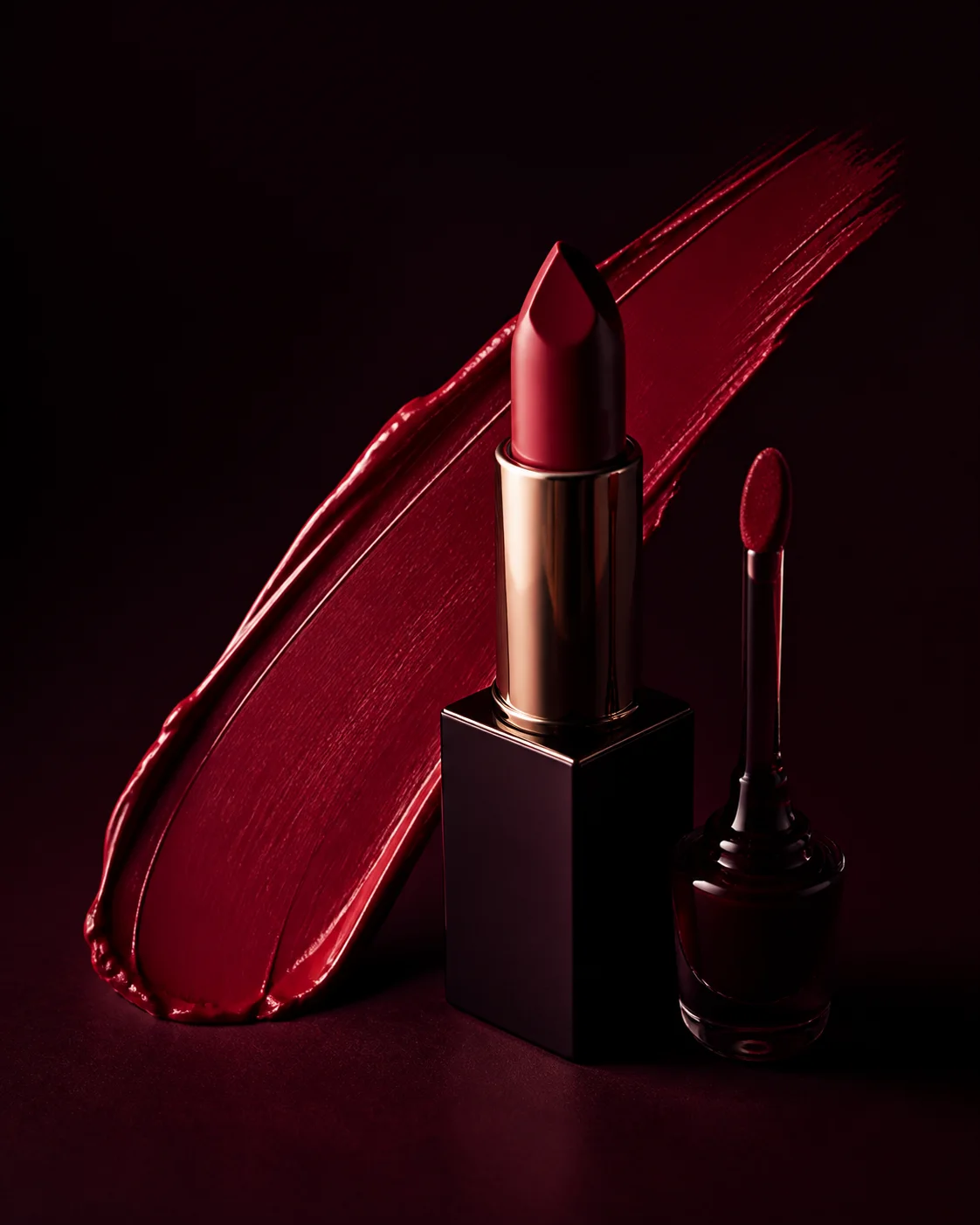 02
02Use the MaqAI makeup shade finder with Live AR, a photo, and Color Analysis to compare color and placement, then build a focused shade-family shortlist.
Explore feature →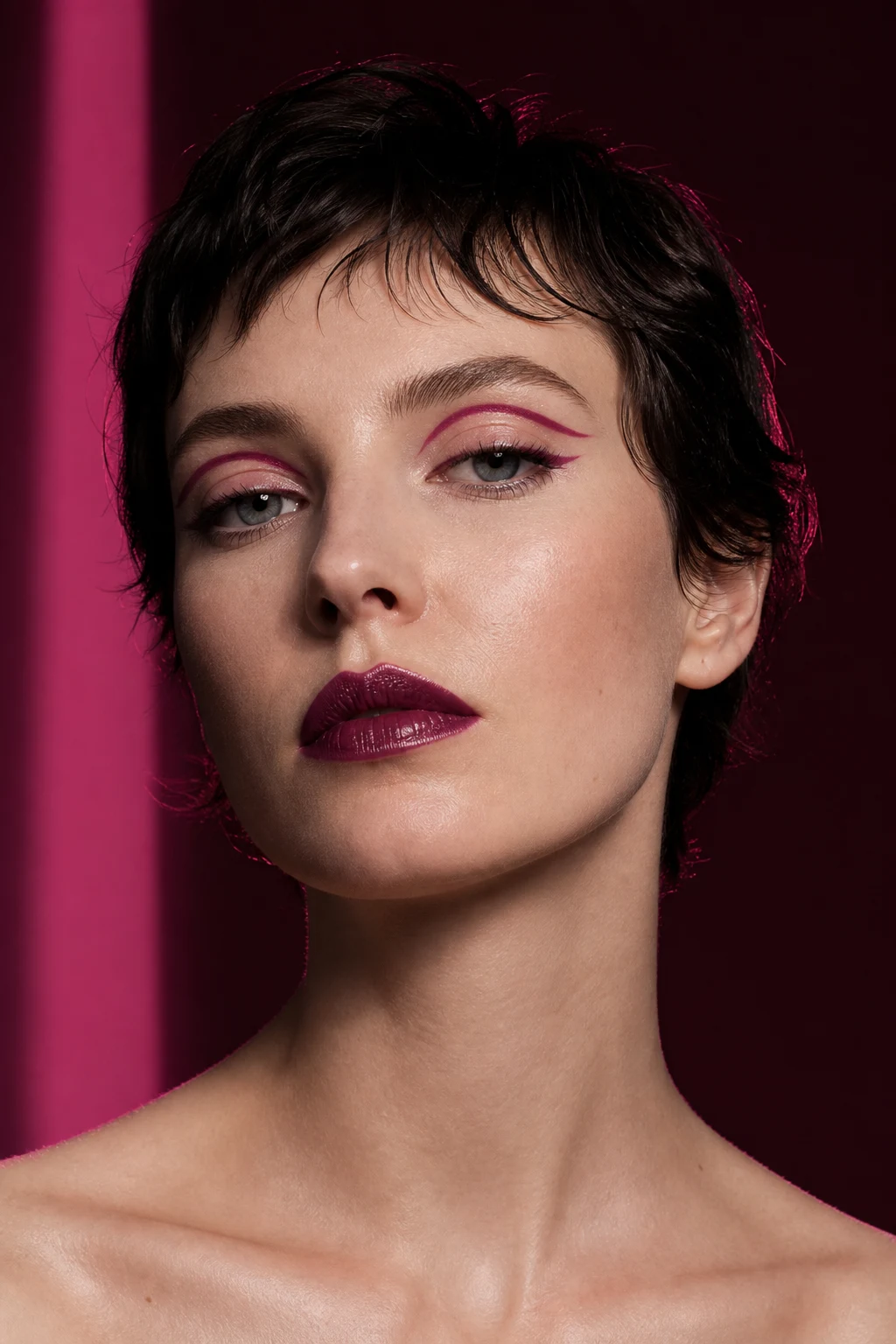 03
03Use AI makeup transfer to test a reference on your portrait, or build a reusable custom makeup look across base, face, eyes, lips, and finish.
Explore feature →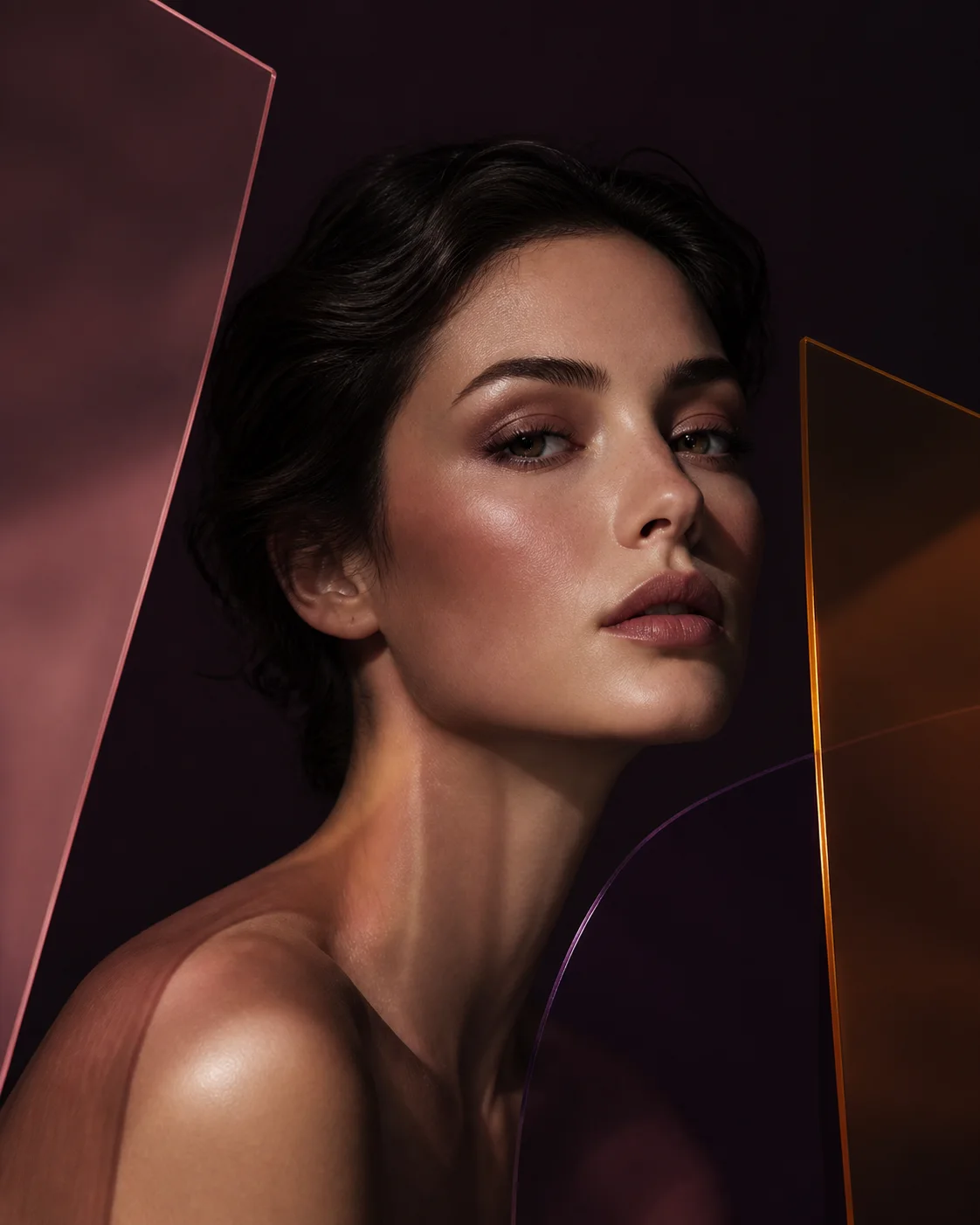 04
04Use color and face reports as flexible starting points, then ask an AI beauty advisor for shade, placement, routine, occasion, or makeup-and-hair ideas shaped around your goal.
Explore feature →How to judge a generated look
Zooming in on generated skin or lashes can distract from the question that matters: does the makeup direction improve the overall composition, and which part is worth carrying forward? An AI beauty advisor can help you name that useful change.
Read the complete evaluation guide →Which feature leads first? Does the face feel balanced at normal viewing size?
Judge warmth, coolness, depth, and harmony before chasing an exact digital shade.
Look at the direction of blush, liner, shadow, highlight, and lip definition.
Keep the intended makeup idea; ignore invented texture or small rendering artifacts.
A complete makeup workflow in your hand
The AI makeup app switches between quick camera play and deliberate photo comparison. Keep the looks that work, rebuild them as layers, and carry the useful choices into a routine.
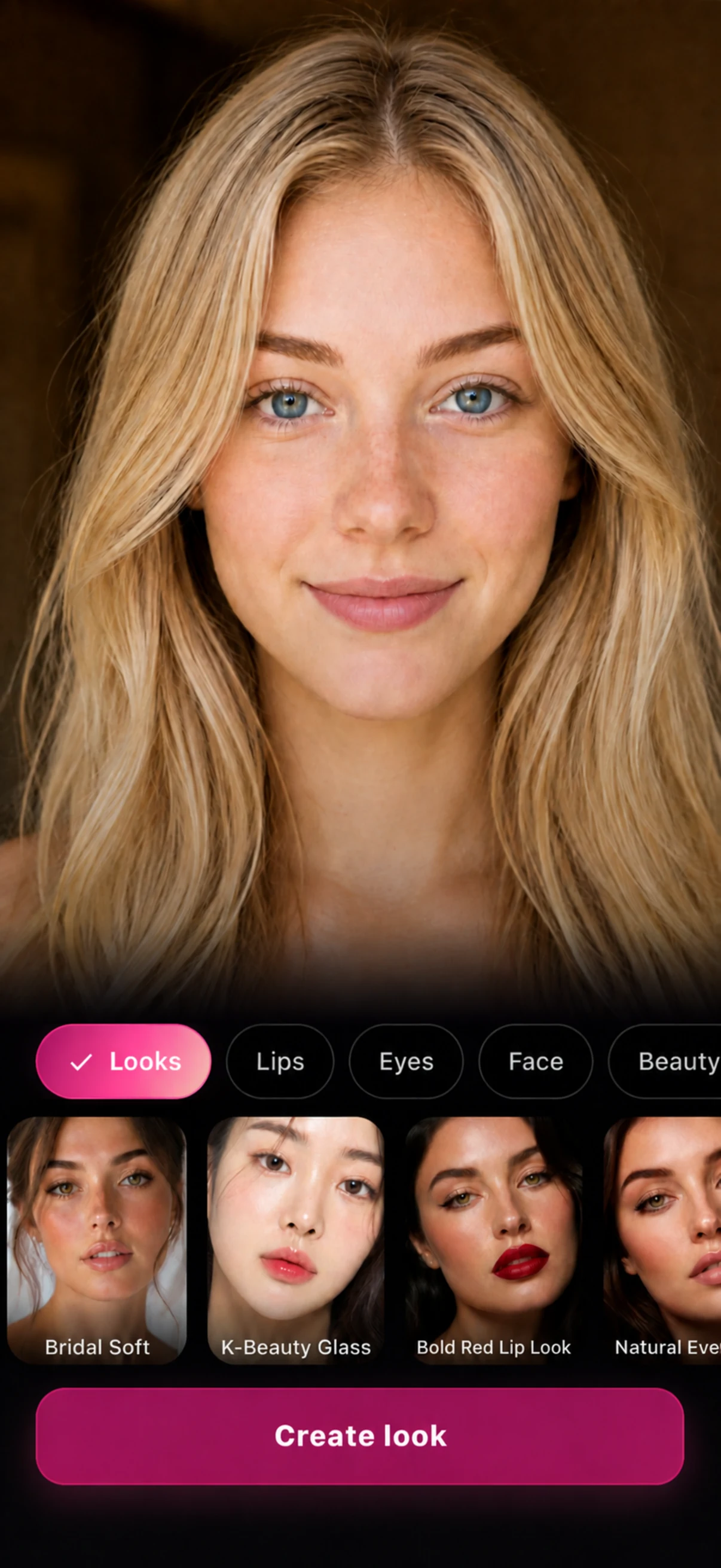
LooksAI makeup on your photo
Personalized, never prescriptive
A personal color analysis app and makeup shade finder can narrow a crowded shade wall. The AI beauty advisor can then turn that context into placement experiments while your taste keeps the final word.
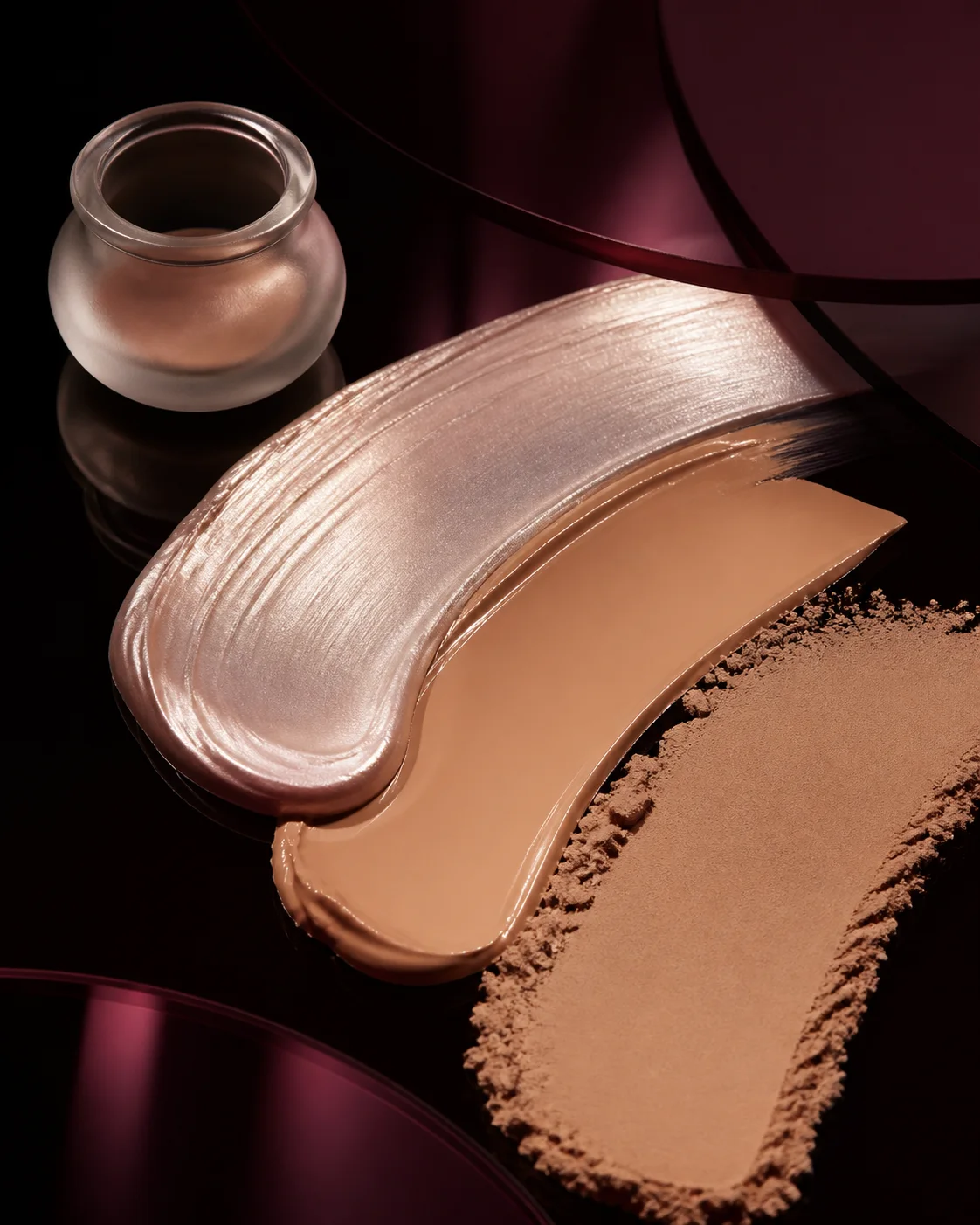
Virtual foundation try-on
The MaqAI foundation shade finder organizes seven complexion depths across cool, neutral, warm, and olive undertone cues. Try the likely directions on one bare-face portrait, then separate foundation shade from coverage and finish.
Four category deep-dives
The makeup shade finder is more useful when a full face is broken into readable variables. These are the signals to keep—and the limits to verify.
Virtual lipstick try on is most useful when color family, depth, edge, and shine are judged separately. A lip can feel wrong because the family is too cool, the value too deep, the outline too crisp, or the finish too reflective.
Explore category →High and outward can read lifted; centered and diffused can read soft. Judge direction, height, spread, and intensity before searching for a product shade.
Explore category →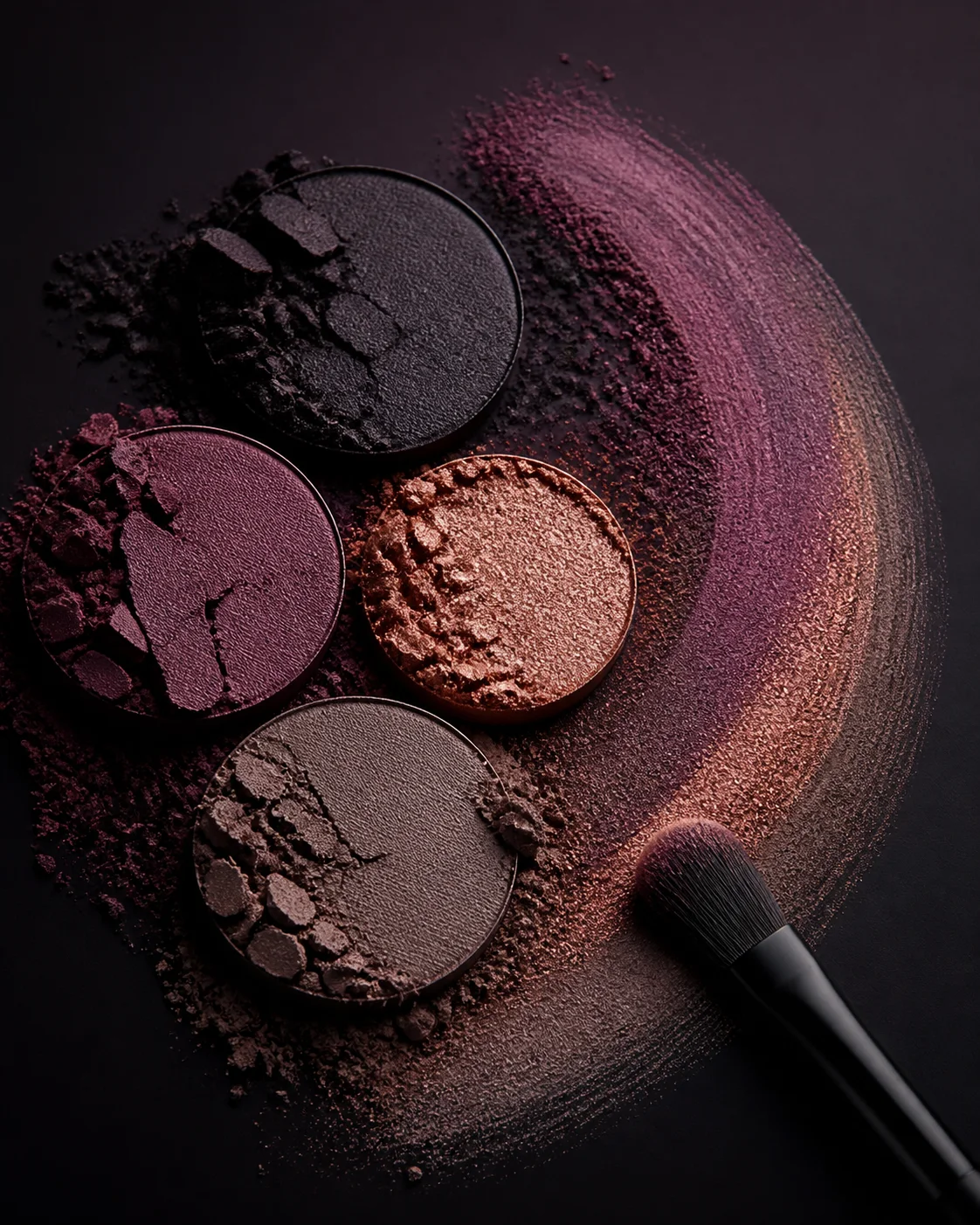
Look at where depth begins, how far the outer edge travels, and whether liner, shadow, and lash weight tell the same story. More pigment is not always more definition.
Explore category →Use virtual foundation try on to compare luminosity, evenness, coverage, and finish direction. It cannot predict oxidation, texture, wear, or an exact foundation match—verify those with a real swatch.
Explore category →Beyond the first preview
MaqAI now connects virtual exploration to the real routine with organization, layering, wear tracking, rescue, and touch-up tools.
Keep the products you already own visible while building new looks, routines, and shopping shortlists.
Plan primer, foundation, concealer, powder, and color layers in a sequence that makes practical sense.
Explore shade relationships, mix complexion directions, and compare alternatives before adding another product.
Turn a saved direction into a routine for the date, light, dress code, time, and result you need.
Record how real makeup changes through the day instead of judging performance from the first application alone.
Get focused help when base, eyes, cheeks, or lips are not behaving the way the finished look requires.
Prioritize the smallest useful correction for shine, fading, transfer, dryness, or lost definition.
Use live facial placement guidance to understand where a color, line, or complexion adjustment belongs.
The vocabulary behind a useful preview
Color analysis is only a starting context. Separate color, structure, and surface so the saved image becomes a brief you can recreate and adjust.
A personal color analysis app can organize the first warm, cool, or neutral directions to compare. Temperature is a relationship between makeup, skin, eyes, hair, clothing, and light—not a rule that removes half the color wheel.
Depth determines how strongly a lip, liner, cheek, or contour separates from the surrounding face. Keep the color family stable while testing value so you can tell whether the issue is the shade itself or simply how dark it appears.
A muted rose and a saturated pink can share a similar temperature while creating completely different focal points. Compare saturation at the same placement and finish before deciding that an entire color family does not work for your goal.
Blush height, liner angle, shadow spread, highlight location, and lip edge change perceived structure. Placement often transfers into real makeup more reliably than a digital color sampled from a generated image.
Soft edges merge a feature into the face; crisp edges make it intentional and visible. Test the same general palette with blurred and precise boundaries to learn whether you want softness, polish, lift, or graphic contrast.
Finish changes how light describes the face and how intense a color appears. Treat complexion finish, metallic reflection, lip shine, and highlight as separate choices, then confirm texture and wear with real formulas.
Start with two directions far enough apart to reveal a preference: warm against cool, muted against vivid, diffused against defined, or satin against luminous. Once one side is stronger, keep it as the new baseline and compare a smaller variation inside that direction. This sequence prevents a grid of minor alternatives from hiding the decision. It also gives every new image a job: discover the family first, refine its intensity or placement second, and verify the real formula or technique last.
A shortlist is ready when you can name the preferred color family, depth, placement, edge, finish, and focal point without relying on “this picture looks better.” Record what the preview cannot prove: exact shade, texture, oxidation, flash, transfer, comfort, wear, or how quickly you can reproduce the technique. Move that uncertainty into one real test. If the test works, keep the evidence; if it fails, change the specific variable responsible rather than restarting the complete makeup direction.
Use the preview in a real situation
The same makeup can read differently in daylight, evening light, photography, video, and close conversation. Add the occasion and practical constraints before choosing the final direction.
Compare a five-minute version with a more polished option. Keep the step that creates the clearest benefit—perhaps brow structure, a lifted cheek, a defined lash line, or a lip that makes the face feel finished without demanding constant touch-ups.
Preview soft, defined, and slightly stronger directions before a professional trial. Record the skin finish, eye shape, lip depth, and level of contrast you want, then let a makeup artist adapt the reference to venue light, photography, skin preparation, and longevity.
Test a stronger eye against a statement lip rather than making every feature louder. Consider the lighting, outfit, distance, flash, and touch-up plan. A clear focal point usually reads more intentionally than maximum intensity across the whole face.
A video call, portrait, presentation, and in-person meeting reward different contrast. Compare definition around eyes, brows, cheeks, and lips at normal viewing size, then test the real look on the camera and screen you will actually use.
Let virtual lipstick try on or a personal color analysis app narrow the broad family, then compare two or three real formulas. Opacity, oxidation, comfort, texture, and wear should decide which product delivers the intended effect.
Save the original and one or two purposeful directions. Mark the feature you want to preserve, what should remain softer, and the constraints that matter. The artist can then translate the visual into technique, products, timing, and a result suited to your face and event.
Before you generate
A clearer portrait will not guarantee a perfect render, but it makes color, placement, finish, and before-and-after differences easier to interpret without mistaking photography for makeup.
Use soft frontal or window light without a strong color cast. Hard side light can make one cheek appear more sculpted, while warm bulbs and cool screens can distort shade relationships before the virtual makeup is added.
Keep the camera near eye level and use a relaxed, front-facing expression. Hair across the face, large shadows, tilted angles, glasses glare, and a cropped chin make placement harder to compare consistently.
A bare face or light neutral base gives virtual foundation try on the cleanest comparison. If you keep existing makeup, document it and reuse the same portrait so existing liner, lipstick, or contour does not become a hidden variable.
Choose one sharp source you can reuse across warm and cool color, central and lifted placement, or matte and luminous finish. A stable source prevents pose, expression, crop, and lighting from becoming hidden variables.
Use the same source portrait for the complete comparison set and return to it after every few results. Review previews at normal viewing size before zooming into generated skin, lashes, or edges. First decide whether the requested makeup direction is useful; then inspect the exact area that changed. If lighting, framing, existing makeup, or an invented detail prevents that decision, correct the source or isolate a smaller category. If the preference is already clear, stop generating and test the shade family, placement, finish, formula, or technique in the real conditions where the look must work. Keep a short note beside the final image so a later product search, practice session, or makeup-artist brief begins with the decision you already made instead of repeating the same visual experiment.
From image to application
Break the idea into product roles, placement, intensity, finish, tools, and order. The AI makeup app and AI beauty advisor help translate the visual logic without pretending one generated product is an exact real-world match.
Read the routine guideChoose coverage and finish separately.
Read placement before adding intensity.
Define the shape, depth, and focal point.
Balance color, edge, and sheen.
Use every source for the right job
A makeup filter app offers quick play, while virtual foundation try on can compare complexion direction on a stable portrait. Real products still prove color, texture, oxidation, comfort, and wear.
| Question | Inspiration image | MaqAI preview | Real product / artist |
|---|---|---|---|
| What it shows | Mood, styling, technique, and visual references. | How a makeup direction may balance on your portrait. | Actual color, texture, comfort, application, and wear. |
| Best use | Name what attracts you. | Compare a small set of directions. | Confirm and execute the final choice. |
| Cannot answer | How the same look reads on you. | Exact shade match, wear, texture, or product behavior. | Every alternate idea without time, product, or labor. |
| Next step | Translate the reference into variables. | Save the strongest change and its constraints. | Swatch, recreate, photograph, and adjust. |
The complete makeover
Virtual makeup try on can sit beside a planned hair color or style, while a personal color analysis app adds useful palette context. Check contrast, brows, cheeks, and lips together while keeping makeup at the center of MaqAI.
Build a useful shortlist
Use the AI makeup generator to keep a baseline, one wearable option, and one expressive option. Together they reveal how far you want to push color, contrast, or placement without losing the comparison.
Turn the shortlist into a beauty brief →Turn a preview into a decision
A saved image becomes practical when it carries a clear change, a constraint, and a real-world check.
“Muted rose lip with a soft edge” is more useful than “I like this one.”
Record what must stay true: quick application, glasses, daylight, dress color, or wear time.
After virtual foundation try on, swatch for color, texture, oxidation, and wear under the light where you will be seen.
AI makeup app for iPhone and iPad
MaqAI brings AI makeup try on, an AI makeup generator, focused category edits, Live AR, virtual foundation try-on, inspiration transfer, custom layered looks, color analysis, shade discovery, face guidance, and a Beauty Advisor into one iPhone and iPad workflow. You can start with a complete aesthetic or isolate the exact feature that needs a decision.
The app is designed for visual exploration and planning. Generated previews are not product claims or dermatological analysis, and guidance is not a rule about what you should wear. Real-world shade, texture, placement, comfort, and wear still deserve a real test.
Used well, the result is more than a makeover image: it is a tighter shortlist, a clearer shopping direction, a stronger artist brief, or a routine you understand well enough to adapt yourself. Makeup Bag, Layering Coach, Shade Lab, Dupe Pairing, Makeup Planner, Wear Test, Makeup Rescue, and Smart Touch-Up Coach carry that direction into the products and makeup you actually use.
Go beyond a makeup filter app
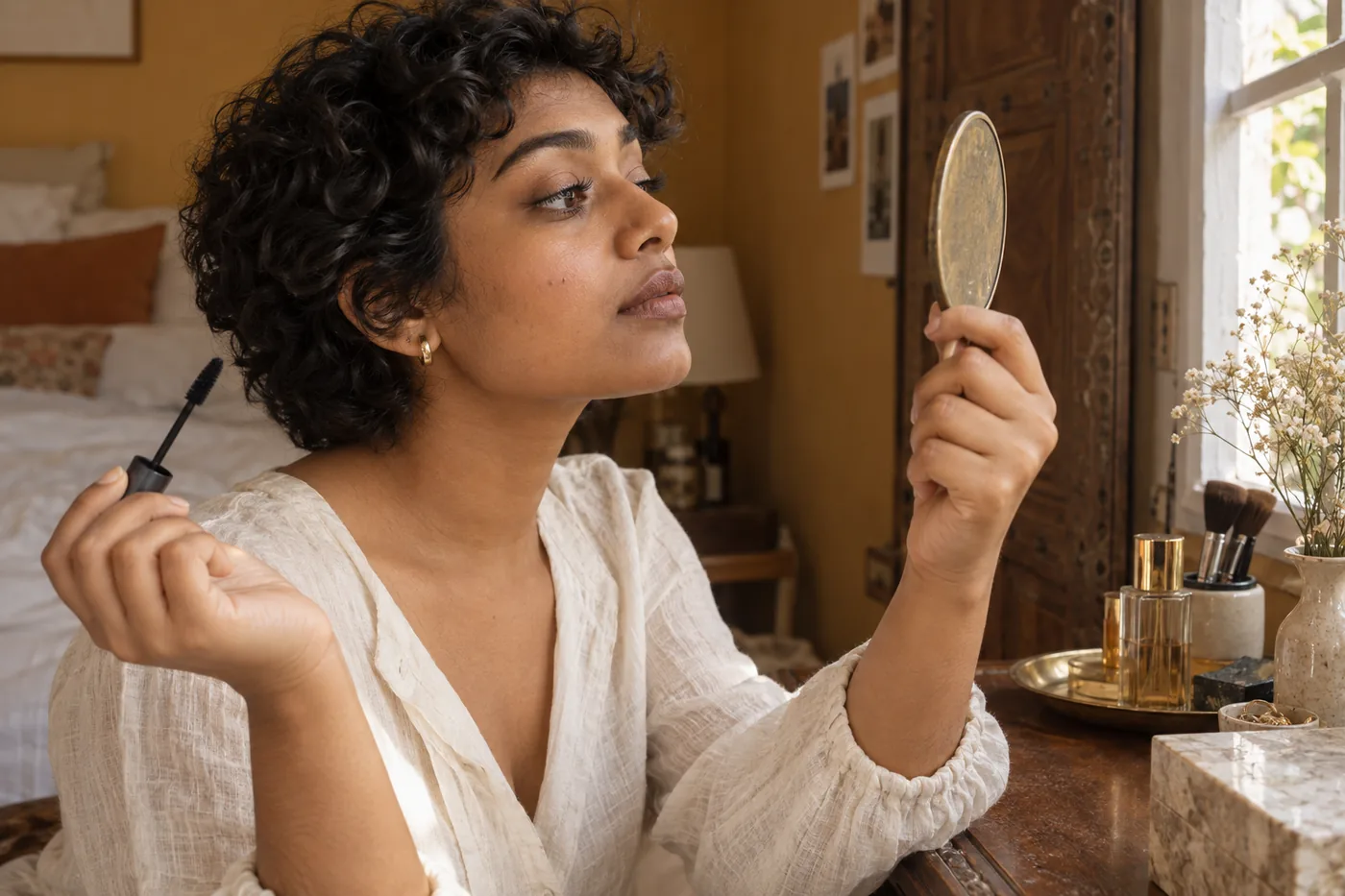
Find when lashes start joining, adjust the starting brush load and keep the application comfortable with a clear stopping point.
Read guide →
Compare two finish ideas on one photo in Hair Muse, then check the real lip formula, ordinary light and the upkeep your routine needs.
Read guide →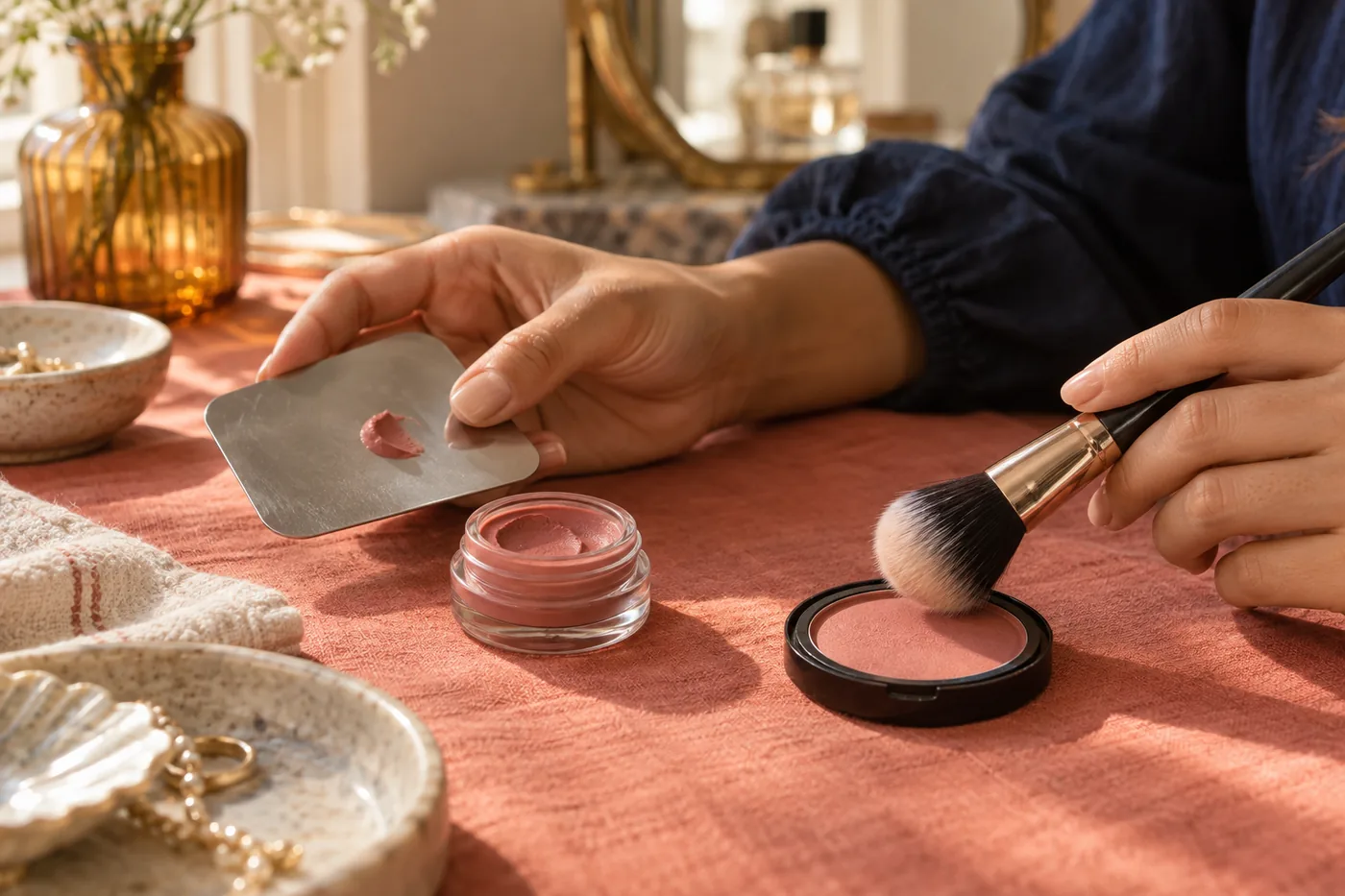
Choose a blush format by checking your base, brush load, blending, powder placement and everyday light with the products you actually use.
Read guide →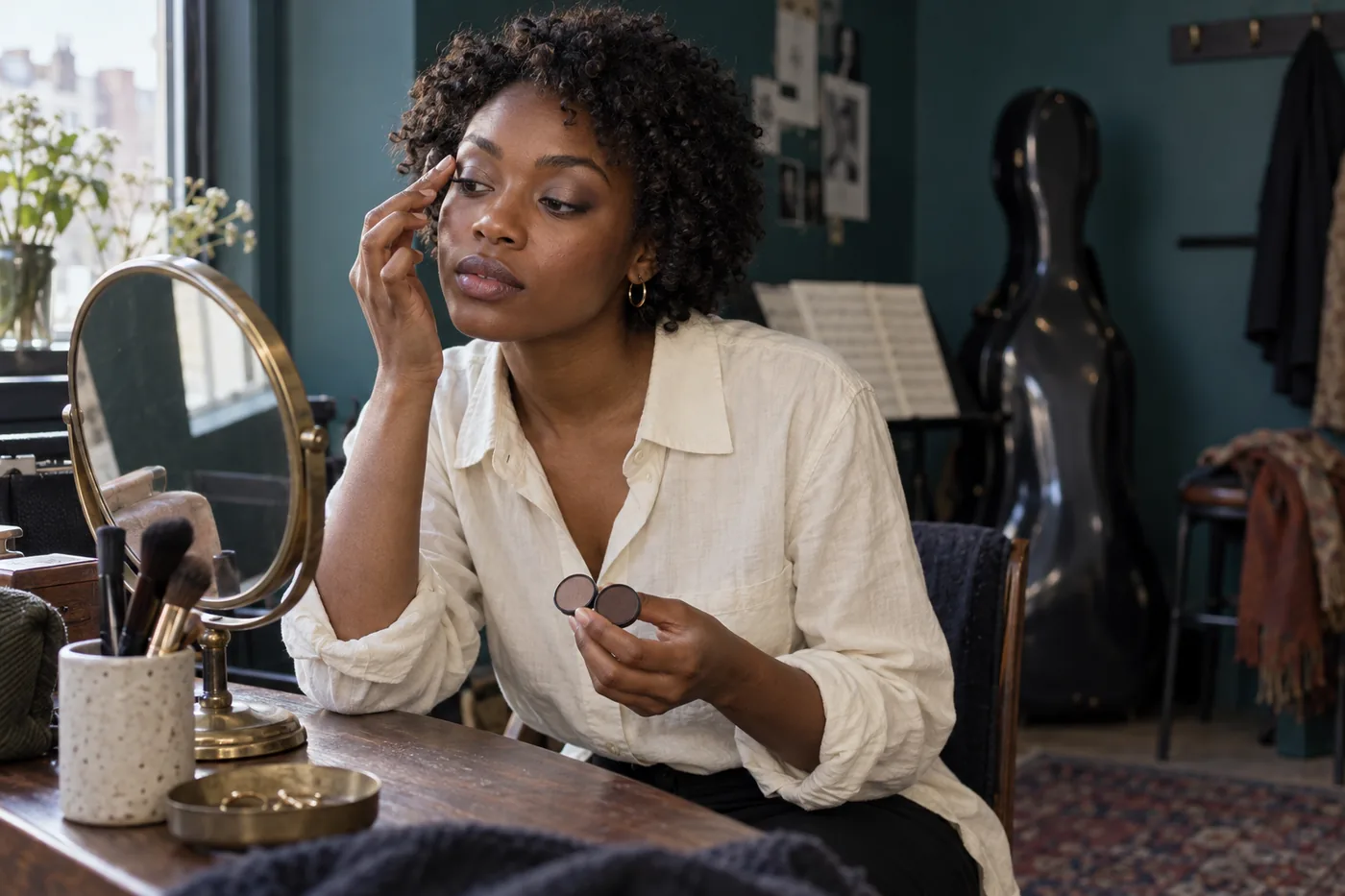
Compare two finish directions on one portrait in Hair Muse, then check the real formula, placement and changing light.
Read guide →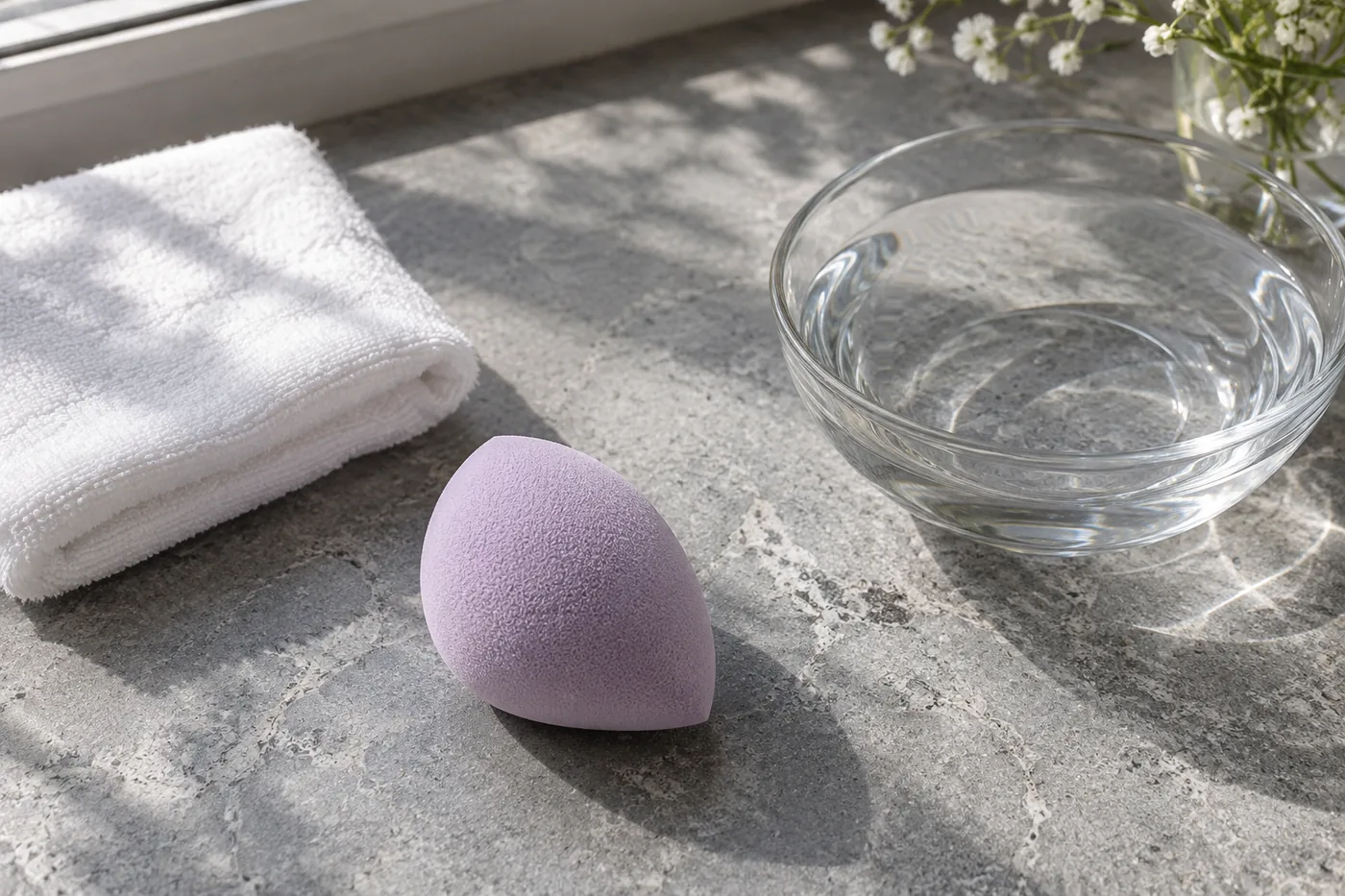
Read the tool and formula instructions, remove excess water and compare a small application before choosing your routine.
Read guide →
Separate depth, warmth and intensity, compare two border ideas in Hair Muse, then test the real pencil with your lipstick.
Read guide →Good to know
Straight answers about the app, AI previews, privacy, and what to expect.
Hair Muse is an AI makeup try-on app and personal beauty studio for iPhone and iPad. Try complete looks or individual makeup categories on your portrait, experiment with Live AR, transfer inspiration, build custom looks, explore shade and face guidance, and turn saved ideas into practical routines.
Yes. Choose or take one clear portrait, try a complete look or change a specific category, and compare the result beside the original. Keeping the same portrait makes color, placement, contrast, and finish easier to judge.
Yes. Live AR uses the camera for fast makeup experimentation. Camera access is requested only when you choose to use that feature.
Hair Muse includes Color Analysis and a Shade Finder that use broad undertone and contrast cues to suggest palette directions. Foundation includes 28 starting directions across seven depth ranges and four undertones. Recommendations are flexible guidance, not exact product matches.
Yes. Virtual foundation try-on lets you compare foundation depth, undertone, coverage, and finish on one stable portrait. Use the result to create a real-product shortlist, then swatch for exact color, oxidation, texture, and wear.
No. Results are creative visualization tools. Real color, texture, placement, and finish depend on your skin, lighting, camera, products, and application technique.
Before a photo is sent for AI processing, Hair Muse explains what is sent, which providers receive it, and why. Temporary photos and generated pipeline images stored in Firebase are scheduled for automatic deletion after no more than 12 hours. Photo and Beauty Advisor permissions are separate and can be withdrawn for future processing in Settings.
Hair Muse can begin with an anonymous service identifier for core features and usage limits. Optional sign-in supports account-related features and may help keep eligible data available across devices.
Yes. Makeup is the heart of Hair Muse, with hairstyle and hair-color tools kept as part of the complete makeover experience.
Your next look deserves more than a guess
Start with one clear portrait, test the change you are actually considering, and keep the result that gives you a real next step.
MaqAI is your website for makeup inspiration and guides. The makeup features are available in the Hair Muse app.

